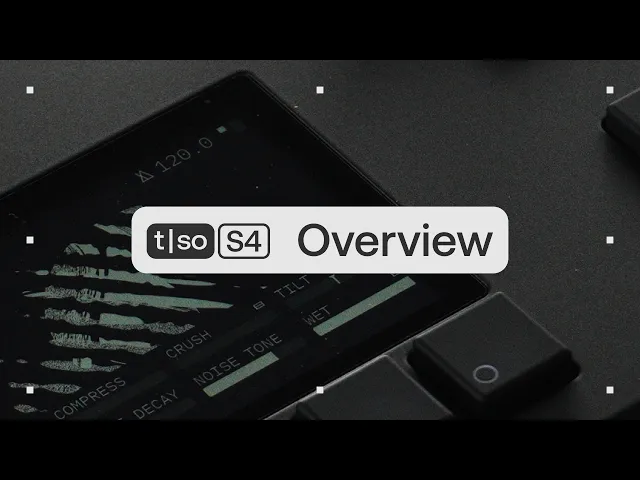
Getting started
Overview
Learn about the core features and workflows of the S4.
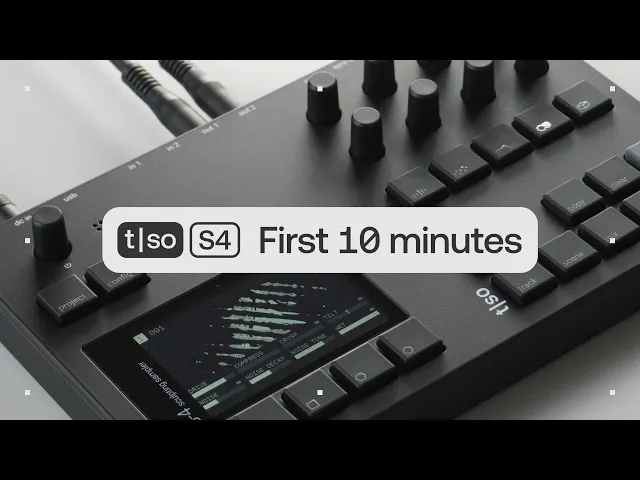
The basic workflow
Learn the basic workflow, from working with your first sample, to saving your project.
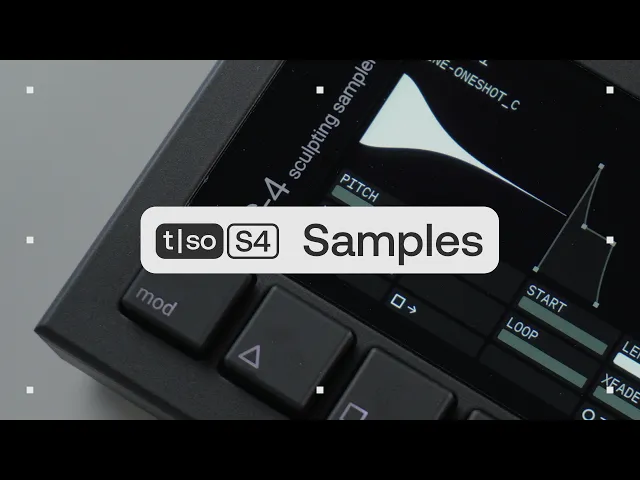
Working with samples
Learn how to import, manipulate, and process samples on the S4.
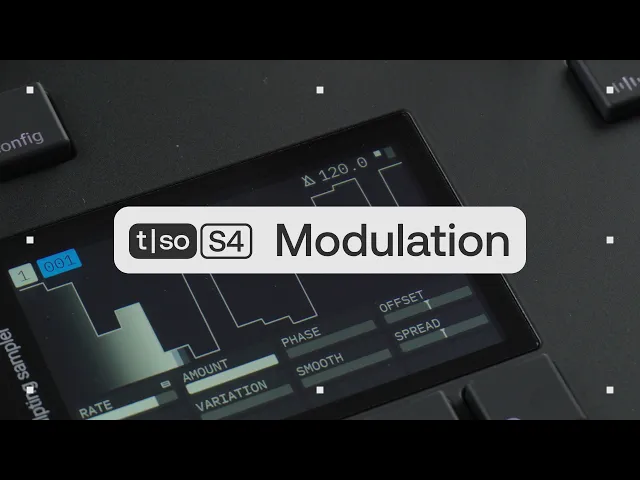
Modulation system
Learn how to use the S4’s modulation system to add movement and variation to your sounds.
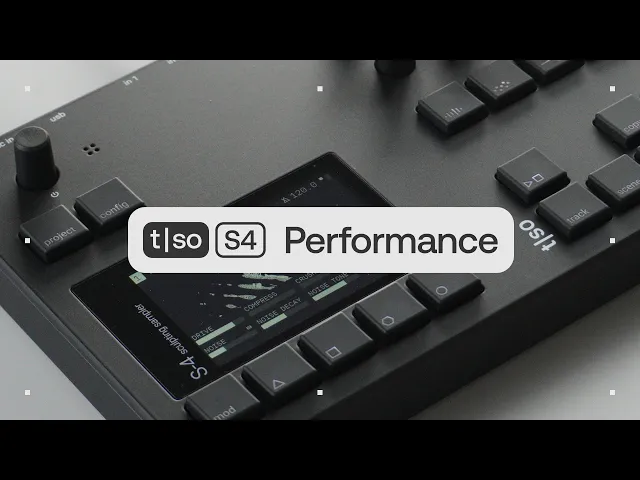
Performance features
Learn how to use macros, modulation, punch-in effects, and TEMP to shape and transform your performance.
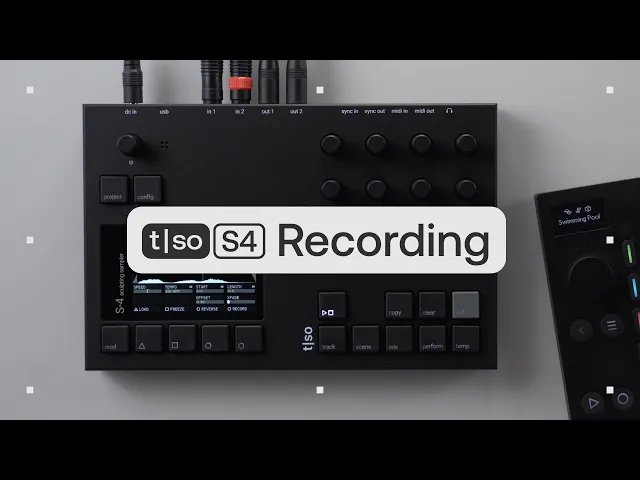
Recording, overdubbing and resampling
Learn how to record new material, layer overdubs, and resample audio on the S4.
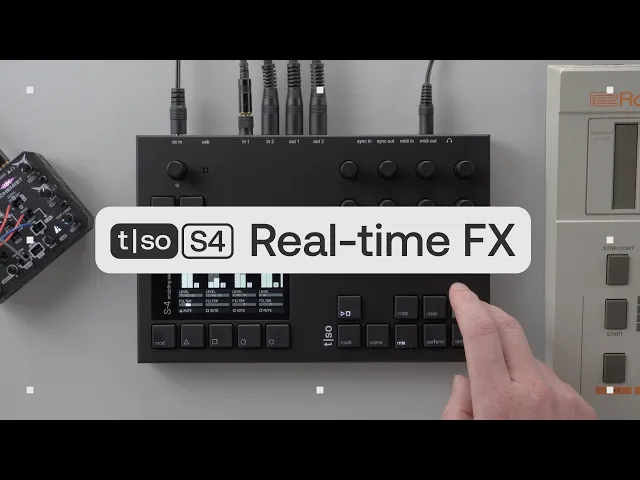
Using the S4 as an FX processor
Learn how to set up the S4 for external input, then process, record, resample, and combine different approaches across its four tracks.
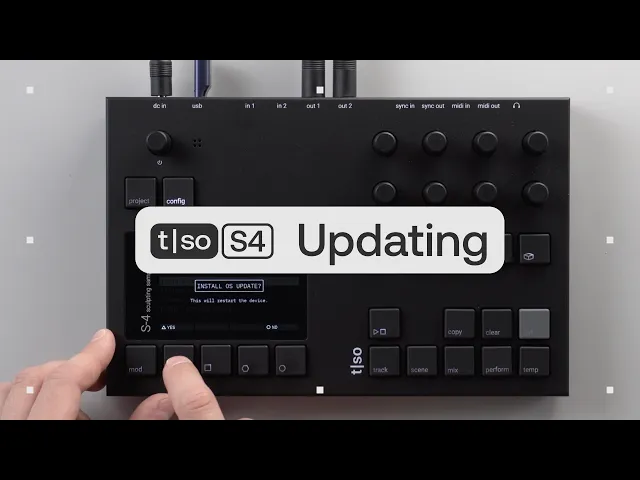
How to update your S4
Learn how to update the firmware on your S4
Creating with
Using the S4 as a polyphonic sampler
Learn how to use the S4 as a polyphonic sampler.
Randomized melodies
Learn how to use randomization to create melodies on the S4.